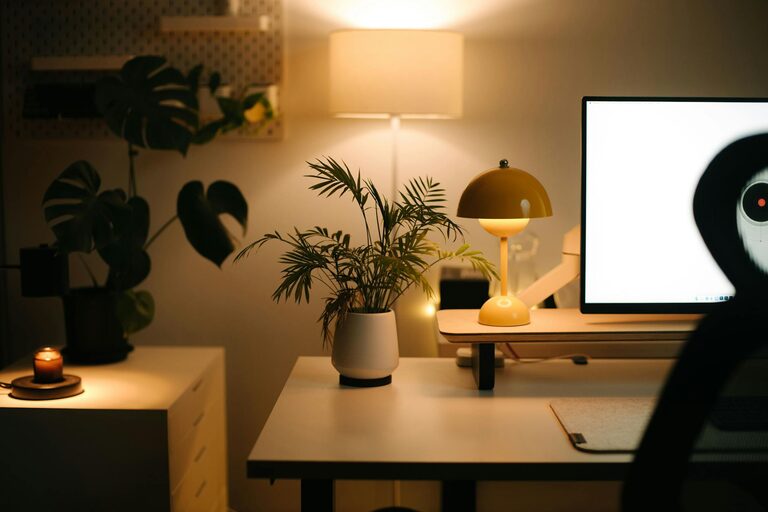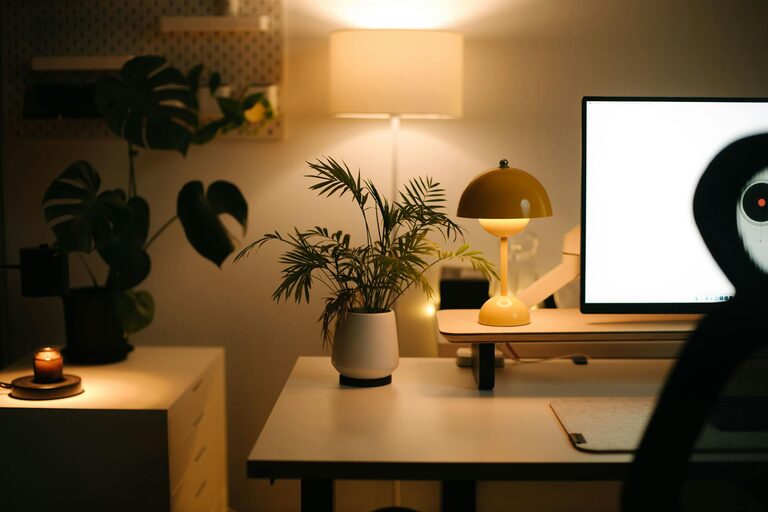
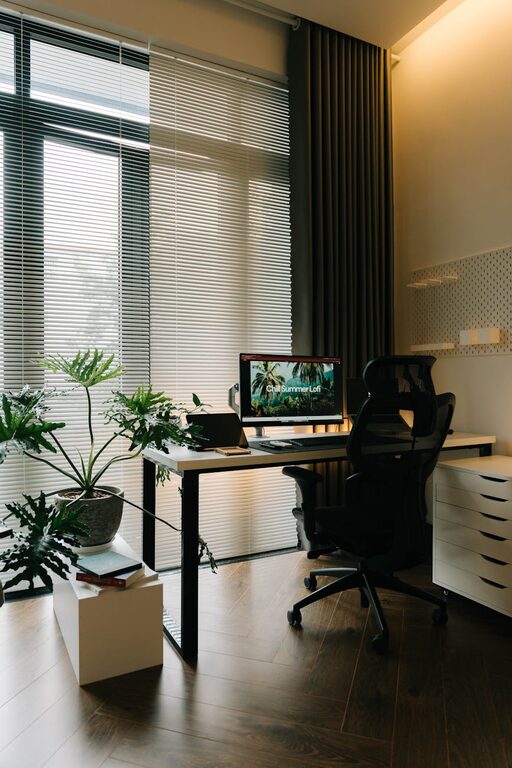
Creating a home workspace that is both relaxing and productive can greatly enhance your work-from-home experience. As more people embrace remote work, having a dedicated area that fosters focus and calm is essential. In this post, we’ll explore how to design and maintain a home office space that helps you stay organized, comfortable, and motivated.
Why a Relaxing and Productive Workspace Matters
A well-designed workspace supports your concentration, reduces stress, and encourages a healthy work routine. If your area is cluttered, uncomfortable, or distracting, it can hinder your ability to get things done and increase fatigue or burnout.
By intentionally creating a workspace that feels inviting and functional, you can improve your overall work-life balance and enjoy your time at home more.
—
1. Choose the Right Location
Selecting the best spot in your home for your workspace is the first step.
– Natural light: Try to position your desk near a window to maximize daylight. Natural light improves mood and alertness.
– Quiet area: Pick a space away from high-traffic zones to minimize noise and interruptions.
– Ventilation: Fresh air keeps the room feeling comfortable and reduces stuffiness.
If space is limited, even transforming a corner with a small desk and chair can work well.
—
2. Invest in Comfortable Furniture
Comfort is key to staying productive and preventing strain.
– Ergonomic chair: Choose a chair that supports your back, with adjustable height and lumbar support.
– Desk at the right height: Ensure your desk allows your elbows to rest at a 90-degree angle while typing.
– Footrest or cushion: These can help improve posture during long working hours.
Avoid working from the couch or bed, which often leads to poor posture and distraction.
—
3. Organize with Purpose
Clutter creates stress and reduces efficiency. Keeping your workspace tidy helps you focus.
– Use storage solutions: Shelves, drawers, and bins are great for organizing supplies.
– Declutter regularly: Set aside a few minutes daily or weekly to tidy up.
– Cable management: Use clips or sleeves to keep cords neat and out of sight.
Labeling containers or files can also save time when searching for documents.
—
4. Personalize Your Space
Adding personal touches makes the area more enjoyable and inviting.
– Add plants: Greenery can improve air quality and create a calming atmosphere.
– Use meaningful décor: Photos, artwork, or inspirational quotes can boost motivation.
– Choose calming colors: Soft blues, greens, or neutral tones are relaxing and won’t distract.
Make sure your decorations don’t overcrowd the desk or wall space.
—
5. Maximize Lighting Options
Good lighting reduces eye strain and helps maintain energy.
– Task lighting: Use a desk lamp with adjustable brightness for detailed work.
– Avoid glare: Position screens to avoid reflections from windows or lights.
– Ambient lighting: Soft overhead lights create a balanced environment when natural light is insufficient.
Consider adjustable bulbs to change the light intensity depending on the time of day.
—
6. Minimize Distractions
Staying focused improves productivity and helps maintain a work-life boundary.
– Turn off notifications: Silence unnecessary phone or computer alerts during work sessions.
– Use noise-cancelling headphones: These can block out background sounds.
– Set clear boundaries: Communicate your work hours with family or housemates to reduce interruptions.
Breaking up your day with short breaks can also enhance attention and creativity.
—
7. Incorporate Movement and Break Areas
Physical activity is important to avoid stiffness and refresh your mind.
– Stretch regularly: Set reminders to stretch or move every hour.
– Create a break spot: If space allows, have a comfortable chair or area nearby for quick breaks.
– Use standing desks: Alternating between sitting and standing can benefit posture and circulation.
Taking movement breaks prevents fatigue and keeps you energized.
—
8. Keep Technology Effective and Simple
A smooth-running workstation reduces frustration.
– Invest in reliable equipment: Quality keyboard, mouse, and monitor can improve comfort.
– Ensure fast internet: A stable connection is vital for video calls and online work.
– Simplify your setup: Avoid unnecessary devices that clutter your desk.
Regularly update software and perform maintenance to keep your technology running smoothly.
—
Final Thoughts
Creating a relaxing and productive home workspace is about balancing comfort with organization. By selecting the right location, investing in ergonomic furniture, reducing distractions, and personalizing your area, you’ll set the stage for effective and enjoyable workdays. Remember to listen to your body and mind—if something isn’t working, adjust your space until it feels right.
With a thoughtfully designed workspace, you can thrive in your home office and feel motivated every day. Happy working!